This is a step-by-step guide to installing the HEX ezCAN Arno for Aprilia.
The following Aprilia motorcycles are supported:
The CAN-bus on Tuareg 660 models does not include ambient brightness data. This means the following functionality limitations apply for this motorcycle model:
This is a good time to:
Step 1: Locate the diagnostic connector
To access the diagnostic connector and battery:
The Euro 5-type diagnostic connector used on Aprilia Tuareg 660 models looks like this:

Step 2: Locate the battery
The battery is located under the front seat.
Location of motorcycle battery
Location of diagnostic connector
IMPORTANT: Do not connect the ezCAN’s CAN-bus connector to any part of the motorcycle other than the diagnostic connector. If you do, the ezCAN will not function.
Remove the black plastic battery cover.
Connect the ezCAN’s red CAN-bus plug to the red diagnostic connector.
ezCAN cable routing may depend on a number of factors, including your personal preference.
Ensure that the wiring is routed safely and securely, in a way that does not allow it to chafe or pinch. Where needed, secure all wiring to frame tubes or other components using the cable ties supplied with the ezCAN installation kit.
WARNING: For safety reasons, always disconnect the negative battery terminal first, and re-connect it last.
Note: The HEX ezCAN’s status LED should be solid green for approximately a minute after connection to the battery. After this time, the ezCAN enters Sleep Mode, and there will be no LED activity until the bike’s ignition is switched ON.
Connect the ezCAN to the positive battery terminal, then to the negative battery terminal.
Re-install the battery cover, then tidy and secure the cables. Make sure you have easy access to the four power circuit plugs.
Only complete this step if you intend to do one or both of the following:
The Tuareg 660’s CAN-bus does not include a horn trigger signal. To be able to activate an accessory horn when the horn button is pressed, a separate horn trigger input to the ezCAN is needed.
Enabling accessory horn triggering:
Connect the male single-pin connector on the green ezCAN horn trigger wire (red arrow, below) to the female horn trigger connector on the main body of the ezCAN.
The horn trigger connector on the ezCAN has a green wire with black tracer, and is located next to the ezCAN’s red female Euro 5 plug.
Carefully inspect the wires leading to the two spade terminals on the Tuareg’s factory horn. The colours of the two wires are black and black with white tracer (below). If dirt makes the wire colours difficult to see, wipe the visible portions of both wires with a damp rag.
Remove the spade terminal with the black wire from the horn (below).
Connect the female spade-terminal end of the green ezCAN horn trigger wire to the vacant horn terminal (below).
Connect the female spade-terminal end of the black wire to the vacant male spade-terminal end of the green ezCAN horn trigger wire (below).
If the factory horn and/or accessory horn do not work when the bike’s horn button is pressed, see Testing the horn connection below.
Testing the horn connection:
If the factory horn and/or the accessory horn do not work when the bike’s horn button is pressed, diagnose the horn circuit by doing the steps that follow.
1. Connect the ezCAN to your computer.
2. Launch the ezCAN configuration software.
3. Switch the motorcycle’s ignition ON.
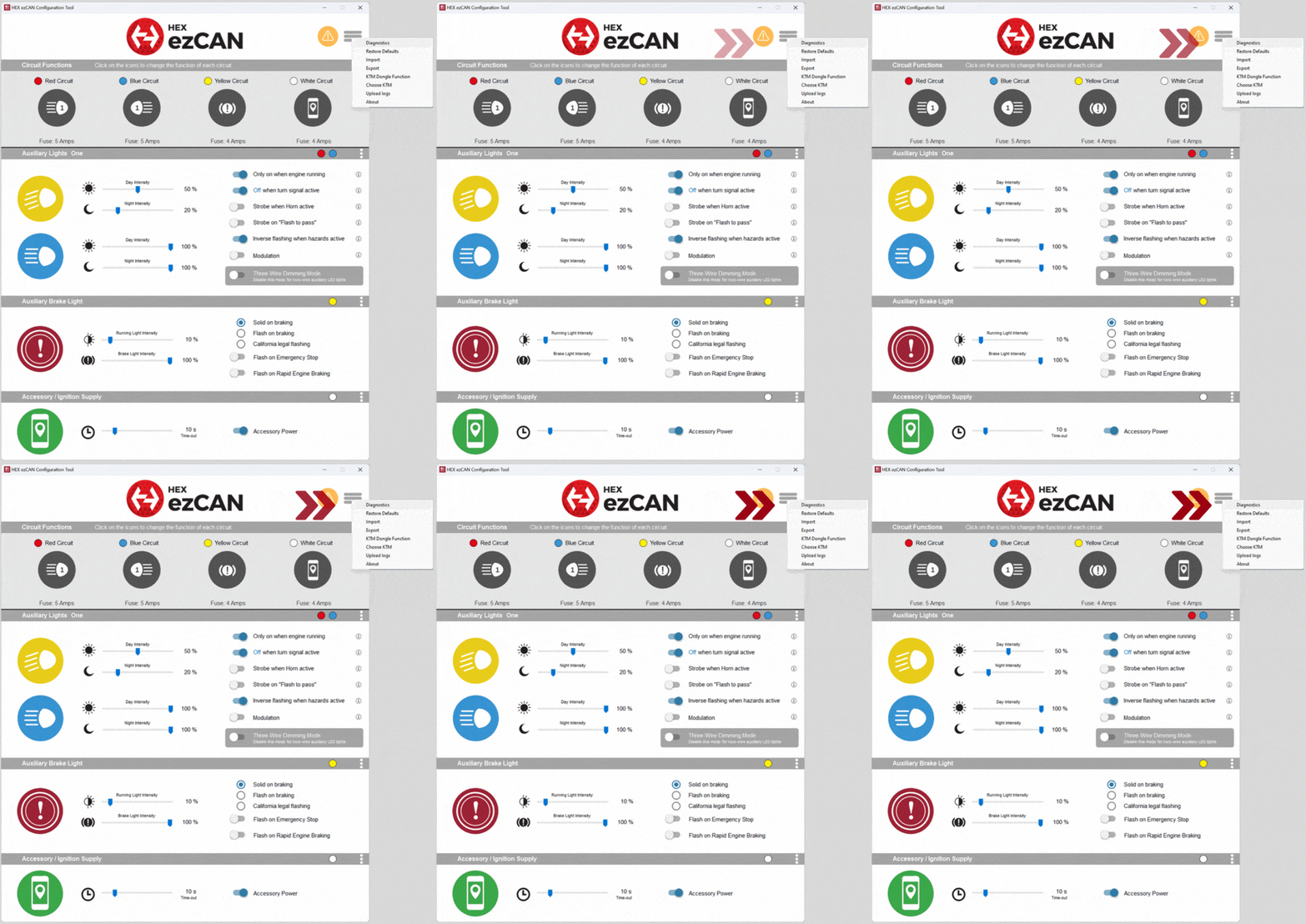
4. Click the hamburger menu icon in the upper right corner of the HEX ezCAN Configuration Tool (red arrow, below), then click Diagnostics.
The Diagnostics window will be shown.
5. Read the Horn Input Voltage value (red arrow, below). If the ezCAN horn trigger wire has replaced the correct (black) factory horn wire:
– The value should be at or near 0V when the horn is inactive.
– The value should be approximately 12V when the horn is active.
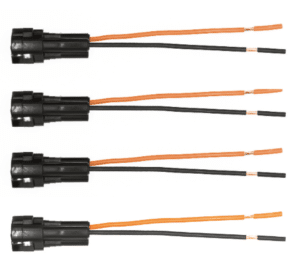
The ezCAN installation kit includes four two-wire stub connectors with male connection terminals, orange power wires and black ground wires.
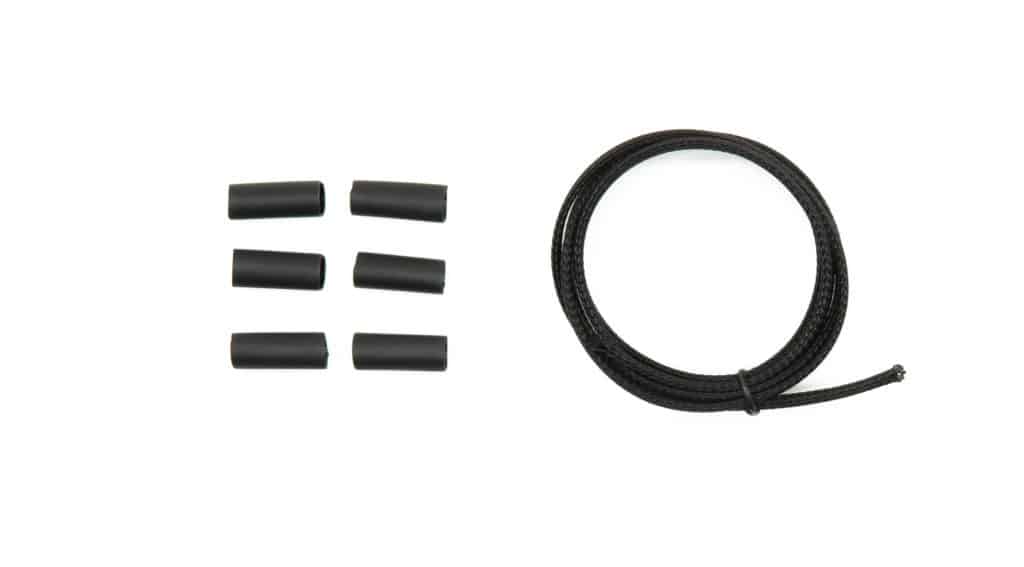
The following parts are also included:
If the accessory to be connected to a power circuit has three wires, convert a two-wire stub connector to a three-wire connector as shown in the Connecting 3-wire LED lights section of the HEX ezCAN User Manual (downloadable from here).
If the accessory to be connected to a power circuit has two wires, seal the stub connector’s empty terminal cavity as shown in the Connecting 2-wire accessories section of the HEX ezCAN User Manual.
If any of the ezCAN’s power circuits will not be used, we recommend that you connect a blanking plug to the output plug of each unused circuit.
2-wire applications: insert a blanking seal.
3-wire applications: insert a PWM terminal wire.
Connect the male terminal of each stub connector to the relevant female ezCAN power circuit connector (below).
Connecting a 2-wire accessory to an ezCAN stub connector:
Connecting a 3-wire accessory to an ezCAN stub connector:
Connecting low-power smart accessories to a power circuit:
If you are installing ‘smart’ accessories (that is, low-power accessories capable of intelligent input and control through the ezCAN’s LIN bus), note the following:
Read the Hex ezBUS and Configuring Hex ezBUS functionality sections of the ezCAN user manual (downloadable from here) for detailed information on how to use ezBUS functionality.
Note that if the white circuit is set to ezBUS mode, its fuse trip limit is set to 15 Amps by default. If needed, ezBUS PWR functionality can be used to increase the white circuit’s current capacity to a maximum of 30 Amps in ezBUS mode. See the relevant section of the ezCAN User Manual for details.
IMPORTANT: If the accessory stub connectors included in your ezCAN installation kit do not have orange power wires, but instead have colours that match the colouring of the ezCAN power circuits (as seen below), always connect like-to-like (red stub connector to red power circuit, blue stub connector to blue power circuit, and so on.)
The HEX ezCAN Extension Kit contains everything you need to connect front auxiliary lights, rear accessory lights and a horn to the ezCAN. It also includes additional connectors that allow you to connect other accessories.
WARNING: Test and check your installations and accessories in a safe, controlled environment before first use. Caution is advised at all times. Extra vigilance is needed when testing new features or accessories. You do so at your own risk.
DISCLAIMER: Hex Innovate is not liable for any injury or damage, howsoever caused, and all products and services are used at your own risk.
Before finalizing the ezCAN installation, or re-installing any components you may have removed, it is important that you test all newly installed accessories for satisfactory fitment and correct operation.
Many ezCAN-powered accessories can be tested by switching the ignition ON and operating the relevant controls. Exceptions include:
Complete the ezCAN installation as follows:
U wordt nu doorverwezen naar onze primaire website om ons Privacybeleid te bekijken.
U wordt nu doorverwezen naar onze primaire website om onze juridische informatie te bekijken.